
Design Smarter, Not Harder: What’s New in Adobe Creative Cloud
News|by Gabrielle Alvear|28 May 2025
In May 2025, Adobe Creative Cloud rolled out powerful updates across its suite of tools, with a strong focus on AI-driven creativity, speed, and collaboration. For small and medium-sized businesses (SMBs), these updates aren’t just bells and whistles—they’re game-changers that can streamline workflows, reduce costs, and elevate brand presence.
Here’s how your business can take advantage of the latest features:
1. Design without limits: Generative AI with Adobe Firefly
What’s new:
Firefly is now deeply integrated into Photoshop, Illustrator, and Adobe Express, offering text-to-image, generative fill, and vector generation tools. 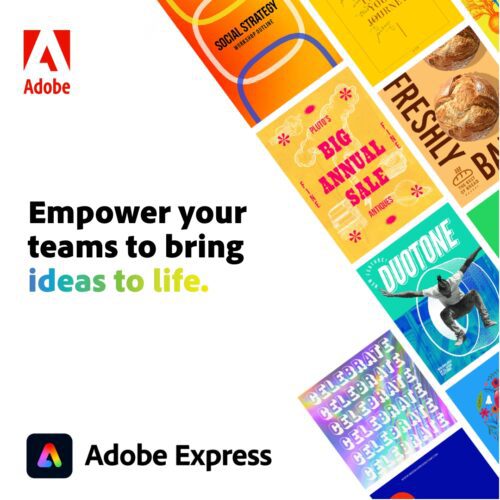
How you can use it:
- Marketing materials: Instantly generate high-quality visuals for social media, flyers, or ads without hiring a designer.
- Product mock-ups: Create realistic product images or packaging concepts using simple text prompts.
- Branding assets: Generate logo variations, icons, and illustrations tailored to your niche.
For example, if you’re a local business and don’t have a design team at your disposal, you can use Firefly to create seasonal promotional posters with AI-generated backgrounds and themed illustrations all on your own. Their site allows you to explore new ways to create with the product.
2. Smarter video editing in Premier Pro & After Effects
What’s new:
AI-assisted editing, faster rendering, and new motion graphics templates make video production more accessible.
How you can use it:
- Social media content: Quickly edit reels, TikToks, or YouTube Shorts with auto-cut and smart captioning.
- Explainer videos: Use templates to create professional-looking product demos or service explainers.
- Event highlights: Turn raw footage from events into polished highlight reels in minutes.
Maybe you want to incorporate short-form videos or edit demos to showcase your amazing products or apps. 73% of consumers prefer short-form videos to learn about products or services, according to Hootsuite.
With these latest updates, you can produce weekly short-form content with branded intros and transitions using pre-built templates already in the Adobe suite.
3. Real-time collaboration in Photoshop and Illustrator
What’s new:
Live collaboration features allow multiple users to work on the same file simultaneously.
How you can use it:
- Remote teams: Designers and marketers can co-edit assets in real time, speeding up feedback loops.
- Client approvals: Share live links with clients for instant feedback and revisions.
If you’re working with a creative agency, you can collaborate with clients and partners on various branding elements in real-time without endless email threads, saving you time and minimising any miscommunications.
4. Adobe Express for quick content creation for non-designers
What’s new:
More powerful quick actions, better integration with Creative Cloud Libraries, and AI-enhanced templates.
How you can use it:
- DIY marketing: Create social posts, email headers, and event invites in minutes.
- Brand consistency: Use shared libraries to ensure all content aligns with your brand identity.
- Team empowerment: Enable non-designers to contribute to content creation without compromising quality.
If you’re an SMB you can empower your team to create your own brand assets and collateral, such as flyers, social posts, and email graphics, using the branded templates in Adobe Express.
Watch this space! We’ve got an upcoming webinar all about the incredible features and capabilities you can do with Adobe Express. Stay tuned and sign up to our newsletter to get the latest updates.
With Adobe Creative Cloud’s latest AI-powered updates, you can now produce high-quality content faster, collaborate more effectively, and maintain brand consistency without the overhead of large creative teams.
Whether you're building your brand, engaging customers, or scaling your marketing efforts, these tools put professional-grade creativity right at your fingertips.
Speak with our Adobe licensing experts to get started
Now is the perfect time to harness the power of Adobe and turn your big ideas into bold results.