
Real-Time Fleet Tracking Workshop for Azure Developers
Blog|22 July 2019
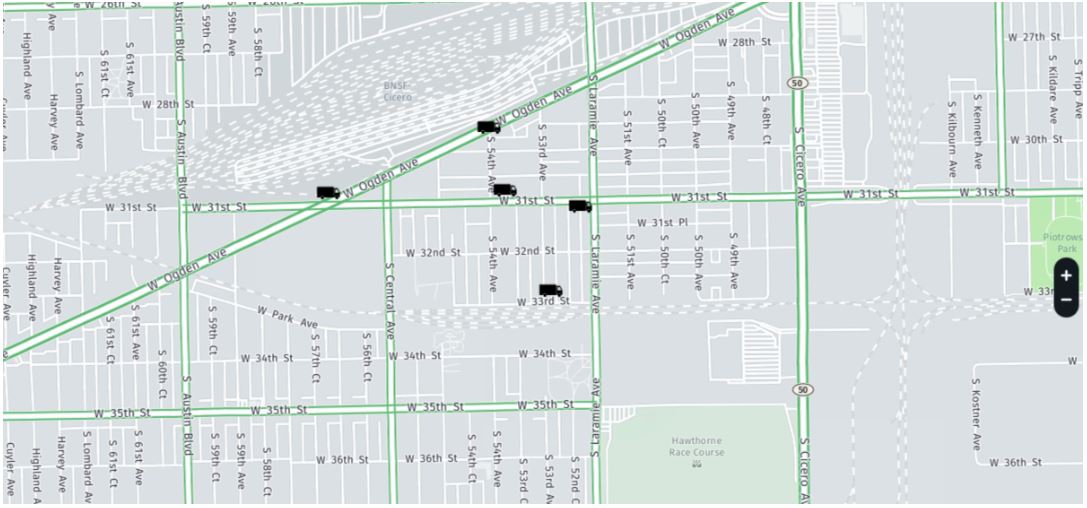
In May 2019 HERE released three Azure Resource Manager (ARM) templates to simplify the integration of the REST services as Azure functions within an Azure solution. The templates cover the following:
- Serverless Functions – Deploys HERE location services as Azure functions that can be invoked directly within any Azure applications and/or solutions.
- Web App Back-ends – Deploys HERE location services as Azure functions along with Azure Service Bus and Cosmos DB to optimise for web application back-end.
- Real-Time Data Streams – Deploys HERE location services as Azure functions along with Event Hub and Cosmos DB to optimise for real-time streaming applications.
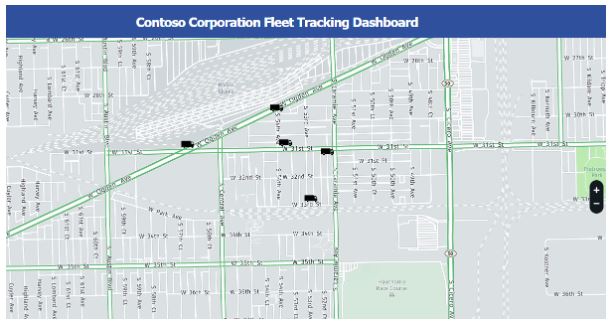
HERE has now announced a resource to help developers quickly get up to speed with the last ARM template mentioned above. This resource is a “workshop” available at GitHub and utilises real-time data streams to create a fleet management scenario for real-time vehicle tracking. This post covers what you need to get started and provides a glimpse of what the workshop produces as an output.
Scope and Requirements
The following are prerequisites for getting started:
- Some HTML experience ( help )
- Some JavaScript experience ( help )
- A Microsoft Azure account ( https://azure.microsoft.com )
- HERE Developer account ( https://developer.here.com )
Overview of Tasks
The following tasks are covered in the Fleet Management Workshop:
Real-Time Data Stream Template Deployment – Initial deployment and configuration of ARM template configured to use HERE location services.
Configure Sample Data Producer – Create a script to simulate IoT devices that capture latitude, longitude, engine temperature, RPM, load and coolant temperature.
Configure WebApp – Create and deploy an Azure Web App to serve as a dashboard to monitor virtual fleet of trucks in real-time.
Validation – Execute producer script to simulate vehicles tracked via IoT devices and monitor via dashboard.
Summary
With the availability of the Fleet Management Workshop, Microsoft Azure developers can quickly learn how to implement a complex scenario such as real-time fleet tracking in a short amount of time.
[This article written by Michael Palermo, Senior Developer Evangelist at HERE Technologies, was first published on the HERE Developer blog and re-published with permission.] If you want to get help on setting up an Azure account, create a HERE developer account, or find out more about HERE Technologies, contact our HERE specialists: [email protected]